When you first set up 2FA, you will be prompted to generate a list of 10, 16-digit backup codes. You can copy the codes and paste them elsewhere, print the codes, or have them sent to your email.
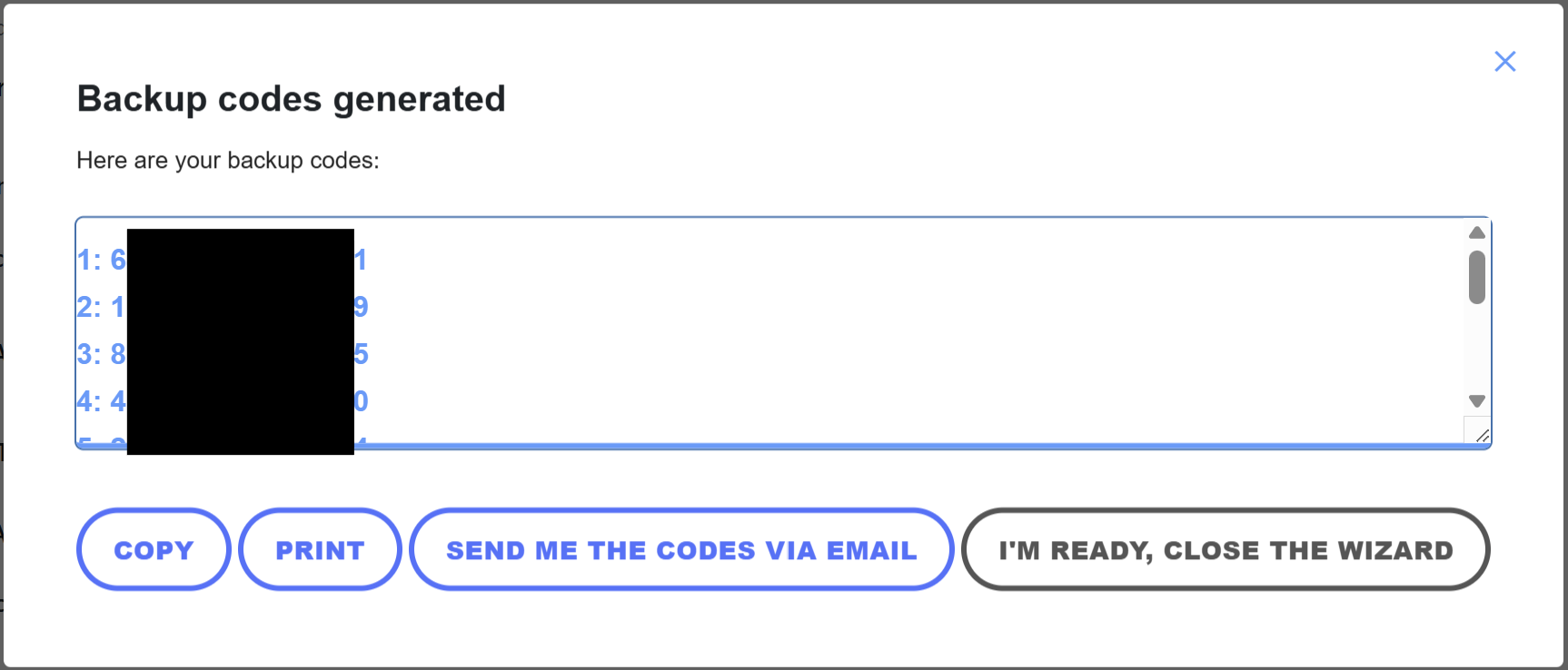
Never share these codes or your 2FA codes with anyone, not even our support staff. Treat these codes like your password as they allow access to your account.
What are the Backup Codes?
The backup codes are an alternative way you can log into your account should you not have access to your 2FA method. It can definately happen that you are locked out of your email or lose your phone and need to access your site to make a change or update. A backup code allows you to do this.
Each of the ten numbers can only be used once. These keeps anyone from using the same code over and over again to log in. You have ten as a redundancy in case you need to log in without 2FA a few times before up can update your 2FA method.
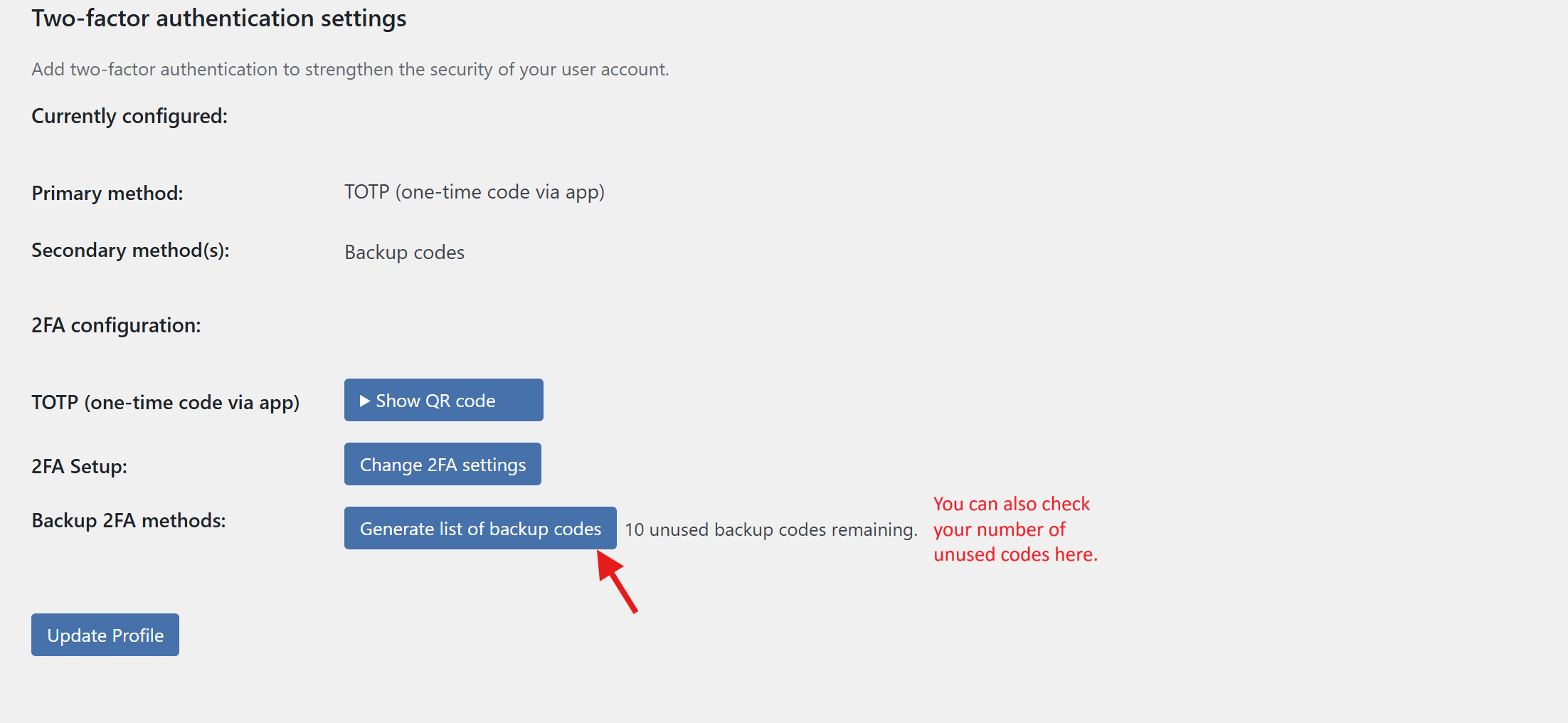
If you need to generate another set of codes, you can do so by accessing your user profile and scrolling to the bottom.
How do You Use a Backup Code?
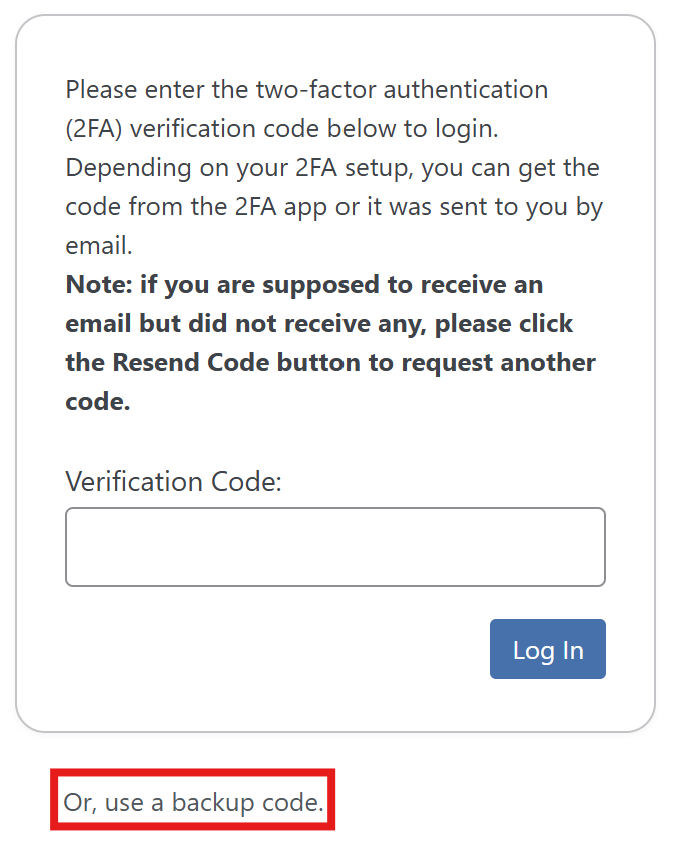
When prompted to enter your 2FA code, you can instead chose to enter a backup code instead.
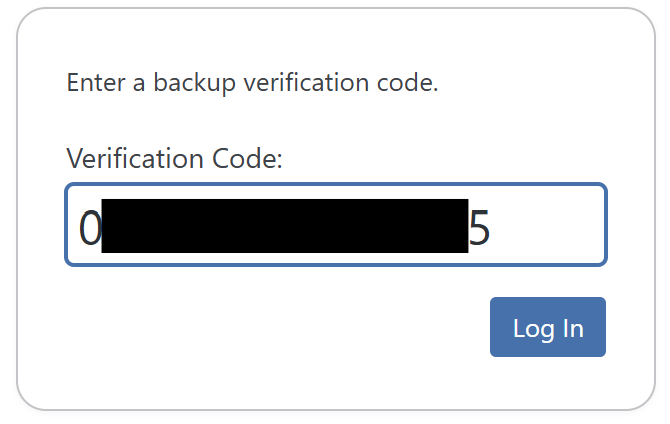
Enter one of your ten codes, one that you haven't used before, then click Log In.
From here, you'll be redirected to your dashboard and can reconfigure your 2FA if needed in your user profile.
Was this article helpful?
That’s Great!
Thank you for your feedback
Sorry! We couldn't be helpful
Thank you for your feedback
Feedback sent
We appreciate your effort and will try to fix the article