You can tracks the views or click of specific pages or PDFs on your site simply with Analytify.
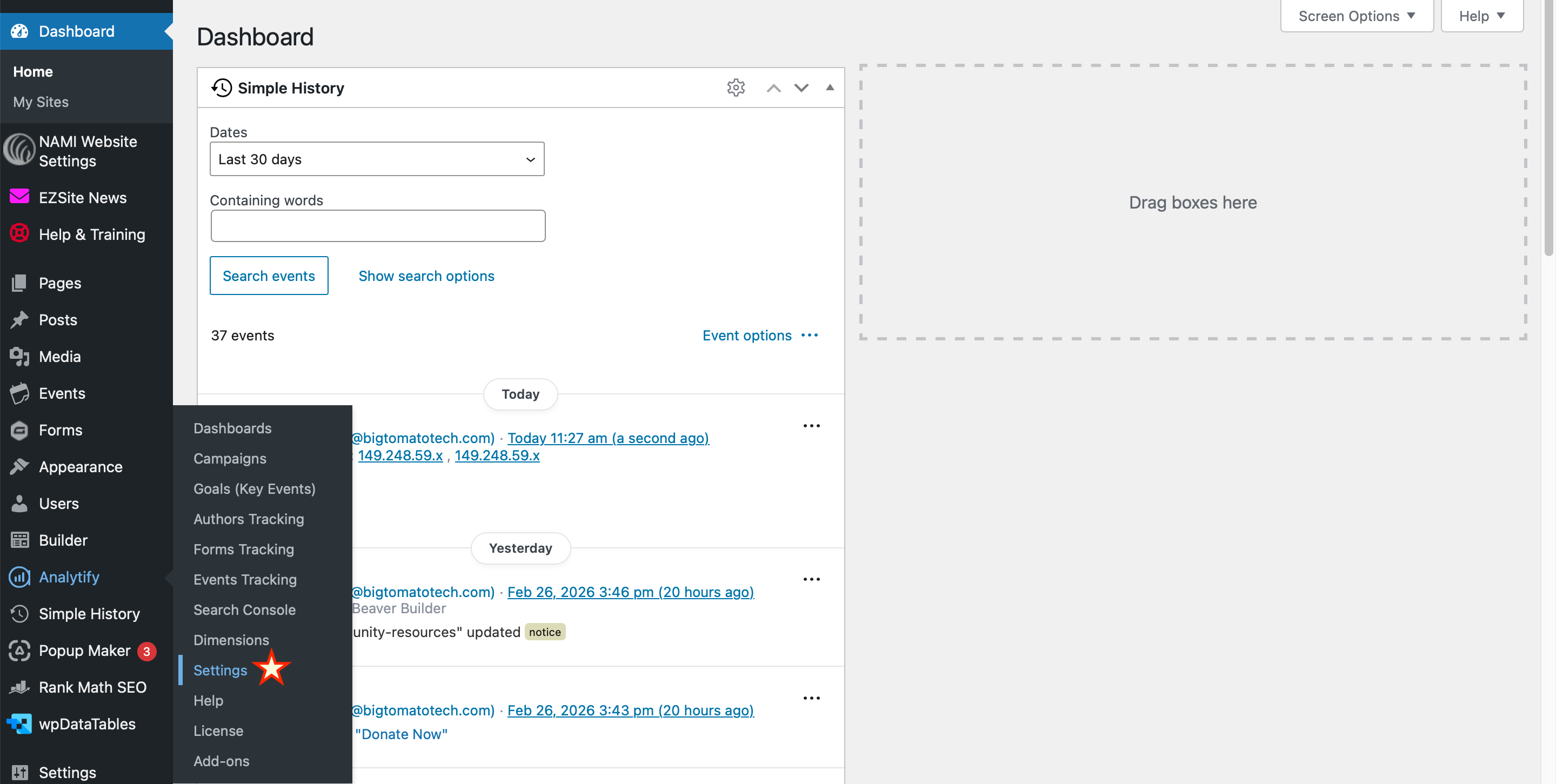
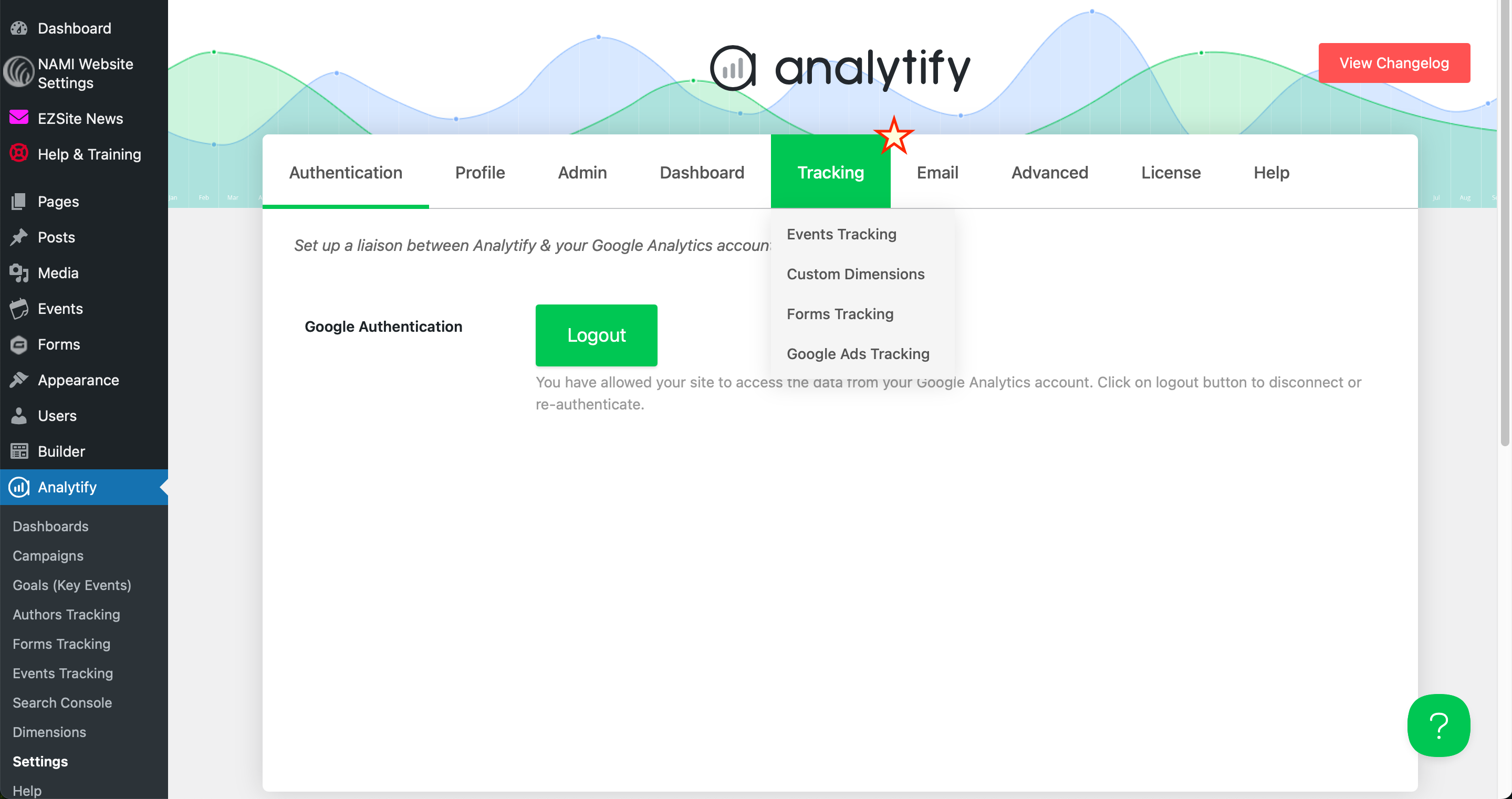
To do this, log into the backend of your site, Navigate to Analytify > Settings > Tracking.
Copy the slug of the of the link you want to track. This would be the last part of the link after the .org part of your domain. For example, if you wanted to track views on https://namieasyexample.org/resources/tardive-dyskinesia/, you would want to copy /resources/tardive-dyskinesia/.
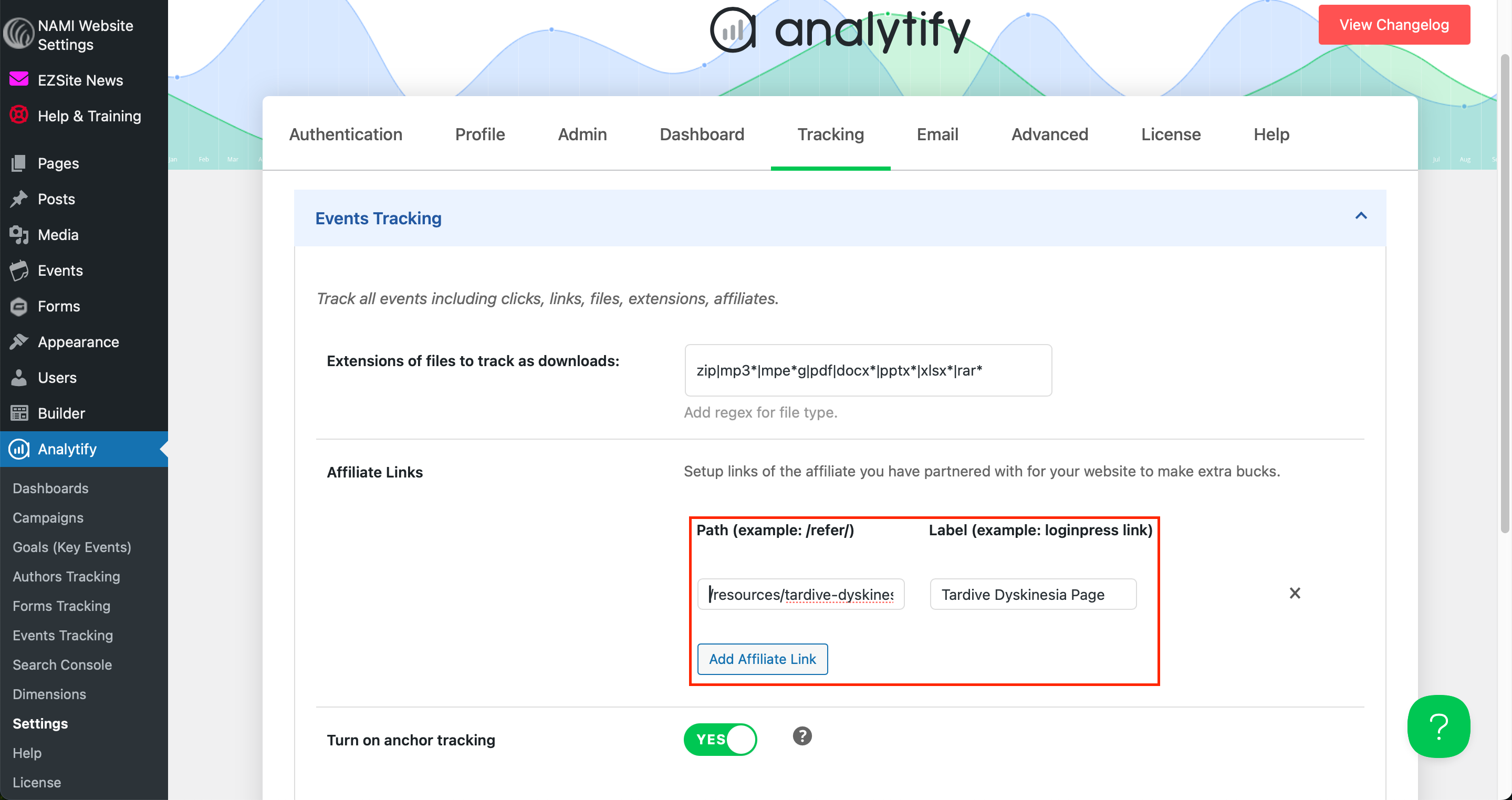
Back in Analytify, under Affiliate Links > Path, paste that slug. Then give this link a label so you recognize what it is.
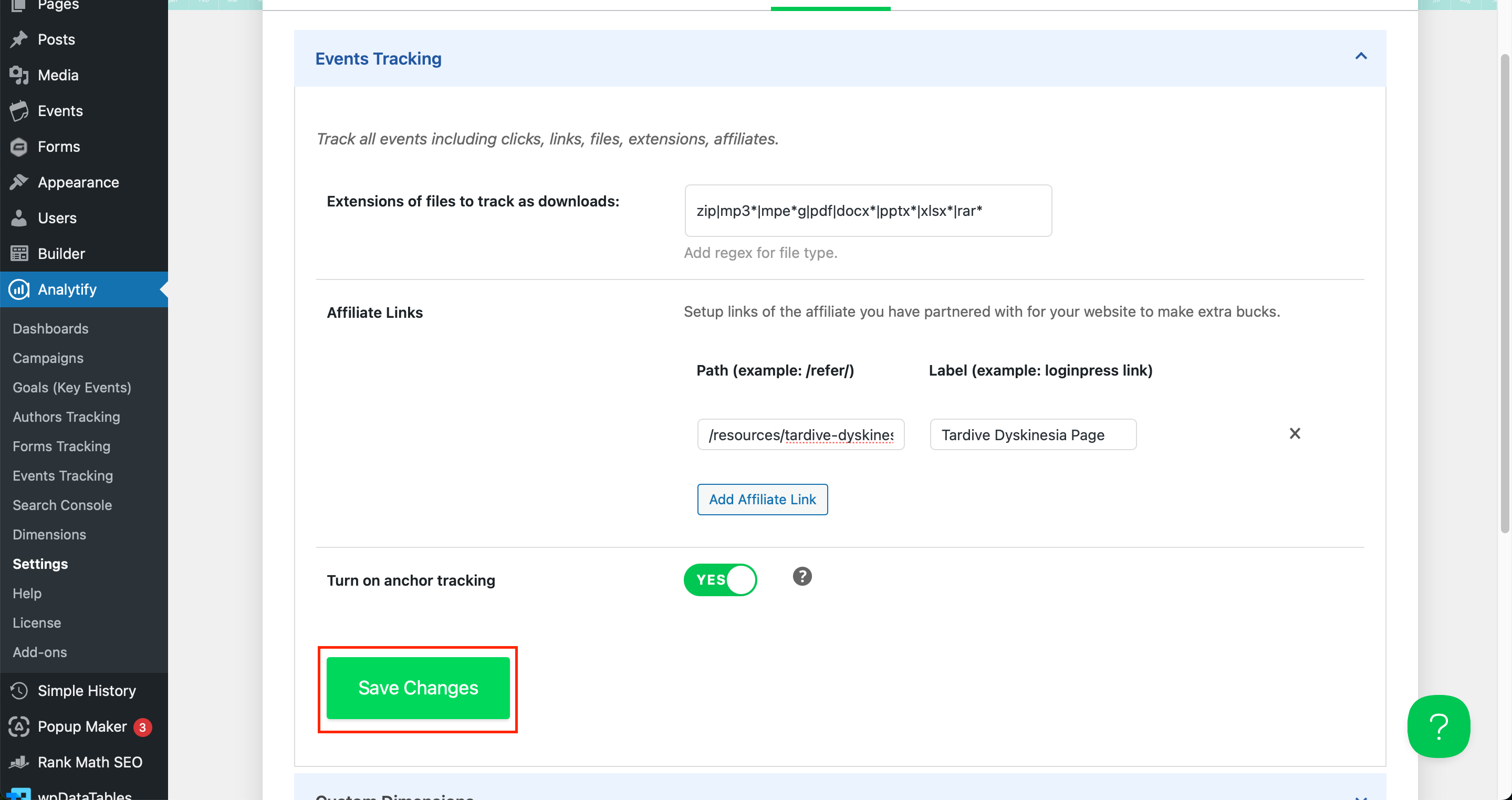
Don't forget to Save Changes.
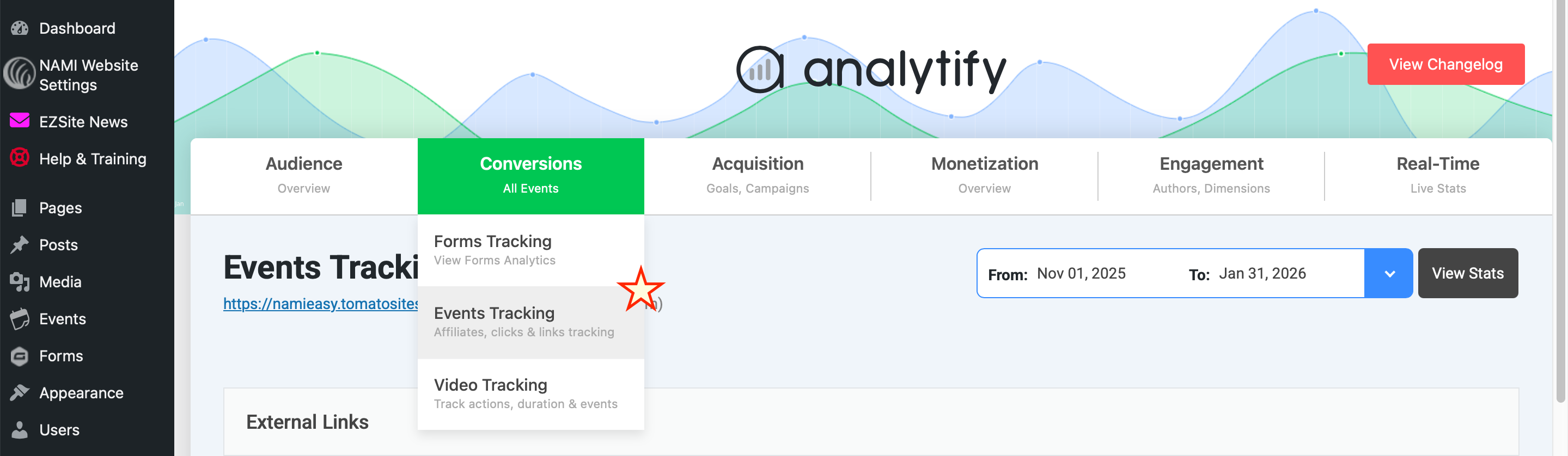
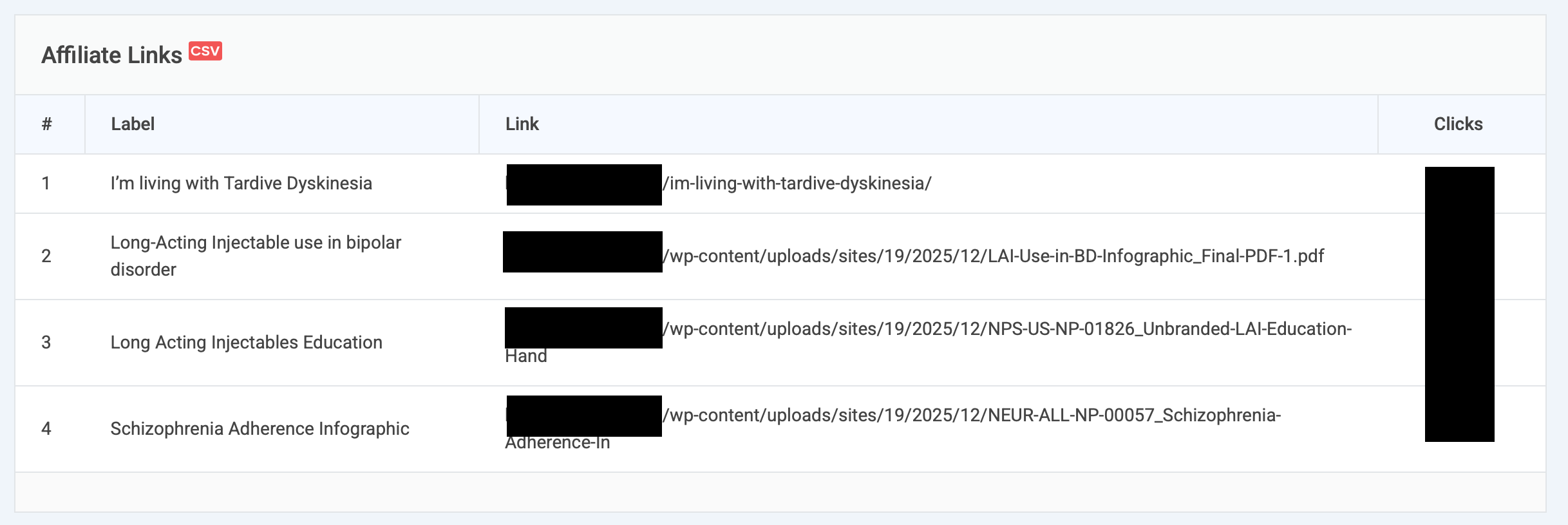
From this point forward, Analytify will track the view/clicks of these links. The results will show under Conversions > Events Tracking in 24 to 48 hours. Scroll down to Affiliate Links.
Was this article helpful?
That’s Great!
Thank you for your feedback
Sorry! We couldn't be helpful
Thank you for your feedback
Feedback sent
We appreciate your effort and will try to fix the article